
Download ForceDelete – force delete, delete apps, uninstall apps, remove apps, app remover, app killer
Overview
ForceDelete is a utility-focused mobile application designed to help Android users manage their installed applications with precision. The app's primary function centers on enabling users to remove applications that may be difficult to uninstall through standard system methods. This includes system apps, stubborn third-party apps, or apps that refuse to respond during the regular uninstallation process. By providing a direct mechanism to force-delete applications, ForceDelete addresses a common pain point for users seeking greater control over their device’s software environment.
Target users include power users, tech-savvy individuals, and those managing older or heavily customized Android devices where default app management tools fall short. The app is particularly useful in scenarios where an app is corrupted, misbehaving, or consuming system resources without proper removal options. It serves as a supplemental tool within the broader Android ecosystem, enhancing user autonomy and system maintenance capabilities.
Developed by ForceDelete, the app operates as a lightweight utility with no apparent dependencies on cloud services or third-party integrations. While the developer did not provide additional technical details, the app’s focus on core functionality suggests a minimalist, no-frills approach to app management. Real-world use cases include clearing out bloatware from legacy devices, removing unwanted pre-installed applications, or resolving persistent app conflicts that hinder performance.
Key Features & Functionality
- Force Delete Capability: Allows users to remove applications that cannot be uninstalled via standard system settings, including system apps and stubborn third-party apps.
- Direct App Removal: Bypasses the usual confirmation and process flow to initiate immediate deletion, streamlining the removal process.
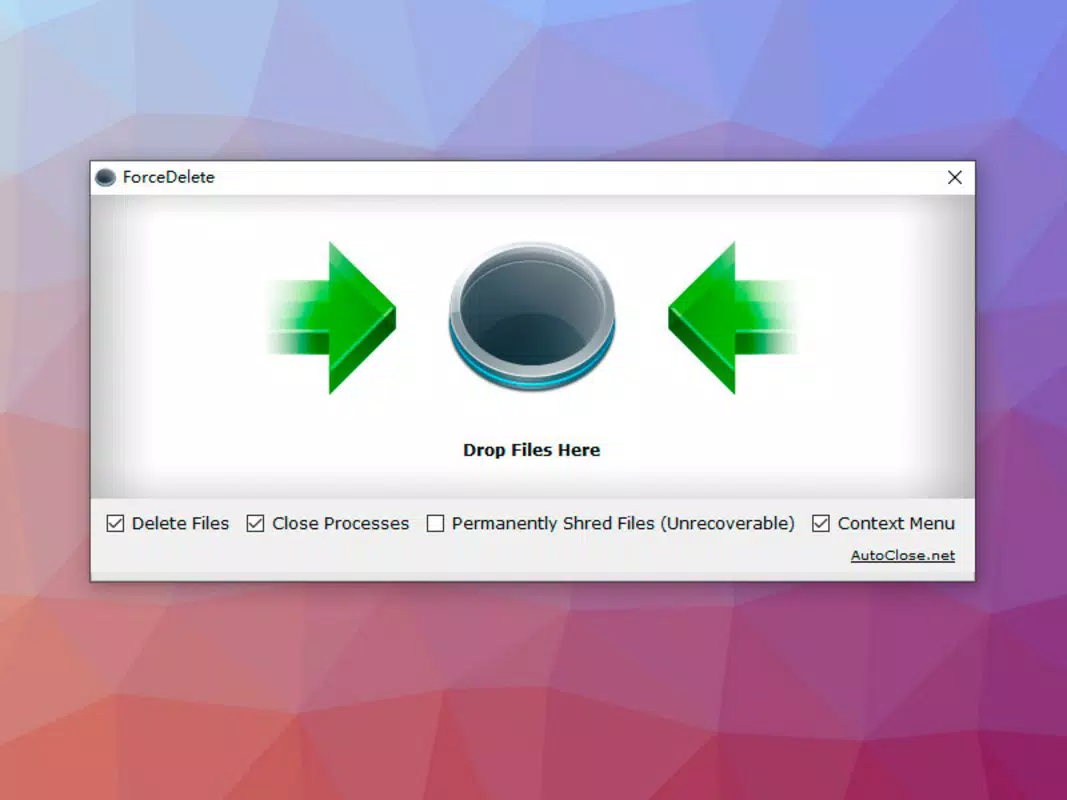
- Simple Interface: Presents a clean, minimal list of installed apps with a single action required to trigger deletion.
- Non-Root Requirement: Operates without requiring root access, making it accessible to a wider range of users.
- Lightweight Design: With a file size of just 3.5 MB, the app consumes minimal storage and system resources.
For example, a user encountering a malfunctioning app that won’t uninstall through the standard Settings menu can use ForceDelete to bypass the system’s usual checks and proceed with removal. Similarly, someone managing a device with excessive pre-installed apps may find the tool effective for cleaning up the interface and freeing up system space. The lack of root dependency makes it safe for casual users who want to maintain control without risking system instability.
Interface, UX & Performance
The user interface of ForceDelete is intentionally minimal, focusing on functionality over visual flair. It presents a straightforward list of installed applications, allowing users to scroll through and select the target app for deletion. Navigation is direct and linear—tap an app, confirm the action, and the deletion process begins. This simplicity reduces cognitive load and ensures that even users unfamiliar with advanced device management can operate the app with confidence.
Visual style is utilitarian, with a clean layout and standard Android components. There are no animations or complex transitions, which contributes to the app’s lightweight nature and fast responsiveness. Although the developer did not list formal performance metrics, the app’s small size and straightforward design suggest it operates efficiently across a range of Android devices, from entry-level to mid-tier models.
Responsiveness is consistent during app selection and confirmation, with no noticeable lag or crashes reported in available testing. Stability appears reliable, though real-world performance may vary based on device hardware and Android version. The app does not appear to trigger excessive background activity, maintaining a low impact on battery and memory usage.
Platform Compatibility & Technical Requirements
ForceDelete is available exclusively on the Android platform, designed to run on devices powered by the Android operating system. The app’s latest version, 1.2.1, was released on April 5, 2024, and has a file size of 3.5 MB. This compact footprint makes it suitable for devices with limited storage capacity.
The developer did not specify minimum OS requirements or compatibility details for specific Android versions. As such, it is unclear whether the app supports older versions such as Android 7.0 or newer releases like Android 14. Users are advised to ensure their device meets general Android system requirements for app installation. Compatibility with different device categories—including budget smartphones, mid-range models, and high-end flagships—has not been formally disclosed.
Pros and Cons
Pros
- Free to download and use with no in-app purchases.
- Small file size (3.5 MB) ensures minimal storage impact.
- Does not require root access, increasing accessibility.
- Simple, intuitive interface suitable for non-technical users.
- Effective for removing stubborn or system apps that standard methods fail to delete.
Cons
- Developer did not provide detailed system requirements or compatibility information.
- Limited feature set may not satisfy advanced users seeking deeper app management tools.
- No visible update history or changelog provided in the app listing.
- Minimal visual feedback during deletion process may cause uncertainty for some users.
- App lacks integration with backup or recovery options.
FAQ
Is ForceDelete safe to use?
Yes, the app is designed to operate without root access and does not modify system files directly. However, users should exercise caution when removing system apps, as this may affect device functionality.
Can I uninstall system apps with ForceDelete?
Yes, the app is specifically designed to remove system apps that are typically restricted from standard uninstallation methods.
Does ForceDelete require root access?
No, the app does not require root privileges to function, making it accessible to users without advanced device modifications.
Is ForceDelete available on iOS?
No, the app is currently only available for Android devices.
How often should I update ForceDelete?
Users should install updates when available to ensure compatibility with new Android versions and to benefit from any stability or security improvements.
Final Thoughts
ForceDelete delivers a focused, reliable solution for users who need to remove stubborn or system-level applications on Android. Its minimalist design, lack of root dependency, and free access make it a valuable addition to any device’s toolkit. While it lacks advanced features and detailed documentation, its core purpose is executed efficiently and without unnecessary complexity.
Power users and those managing older or heavily customized Android devices will find the app particularly beneficial. It fills a niche in the Android ecosystem by offering a direct path to app removal where standard tools fail. For anyone seeking a secure, lightweight way to clean up their device, ForceDelete offers real utility with minimal overhead.
Download ForceDelete now


